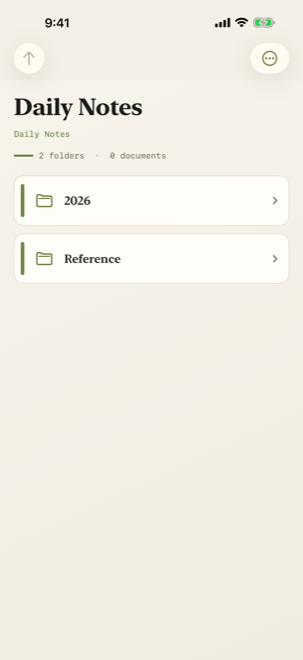
Browse familiar folders
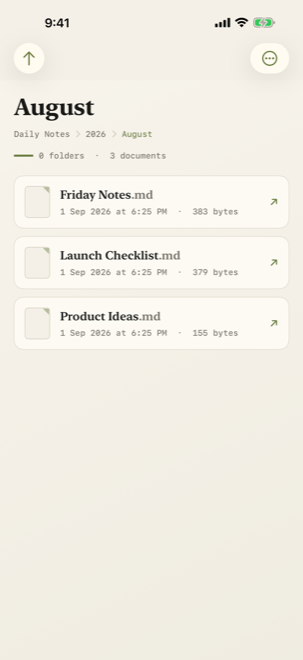
Choose a starting folder in iCloud Drive, move through subfolders and follow your folder history back or forward.
Version 1.3.1 · Markdown reader for iPhone
Browse, read and listen to the notes, reports and documents you keep in iCloud Drive—without setting up a vault or waiting for an index.
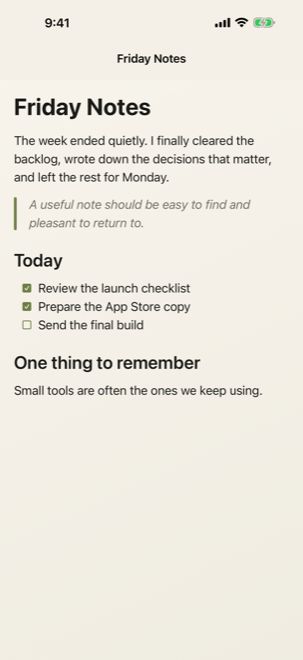
Choose a folder, browse one level at a time and tap the file you need. Easy MD works with the folders you already keep.
Choose a starting folder in iCloud Drive, move through subfolders and follow your folder history back or forward.
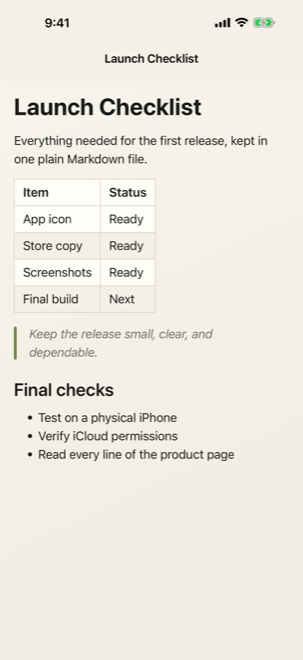
Headings, lists, tasks, quotes, tables, code, Mermaid diagrams, maths, links and images are laid out for reading.
Keep speech controls within reach, follow paragraph highlighting and use focus mode when you want fewer distractions.
Combine name filtering with folder or document type filters, then retrace recently visited folders.
Save favourite folders and documents, reopen recent reading, and restore your reading position.
Adjust text, spacing, font and background. Expand front matter and use System, Light or Dark appearance.
LATEST RELEASE
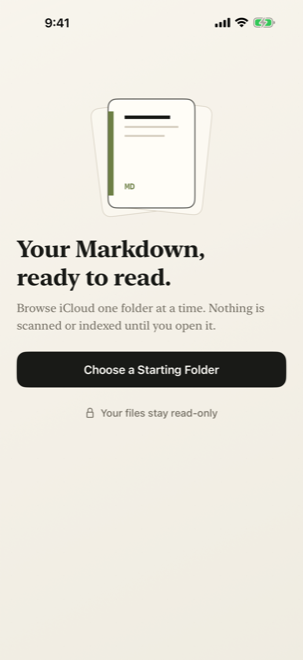
Easy MD is deliberately read-only. It cannot create, edit, rename, move or delete your files.
VERSION 1.3.1 · AVAILABLE NOW
Download Easy MD for iPhone, or contact Avocado Lab for support.
info@avocado-lab.com